


My purchase didn't show up
Pending payment, restoring purchases, another email or another store account: what to do in each case.
Almost every purchase that "didn't come through" is one of these three cases: a PIX payment (Brazil's instant payment system) still under review, the wrong store account on the device, or a purchase made while logged in to another VidaBR email. The "Restore purchases" button tells you which one is yours.
- 01
Wait a minute
The app confirms the purchase with the store and unlocks it on its own. It also checks again every time you open the game.
- 02
Paid with PIX on Android?
If you see "PIX payment under review", don't pay again. When the bank confirms it, the purchase arrives on its own and the app lets you know: "Your PIX payment went through".
The order is kept for 7 days waiting for the bank.
- 03
Restore your purchases
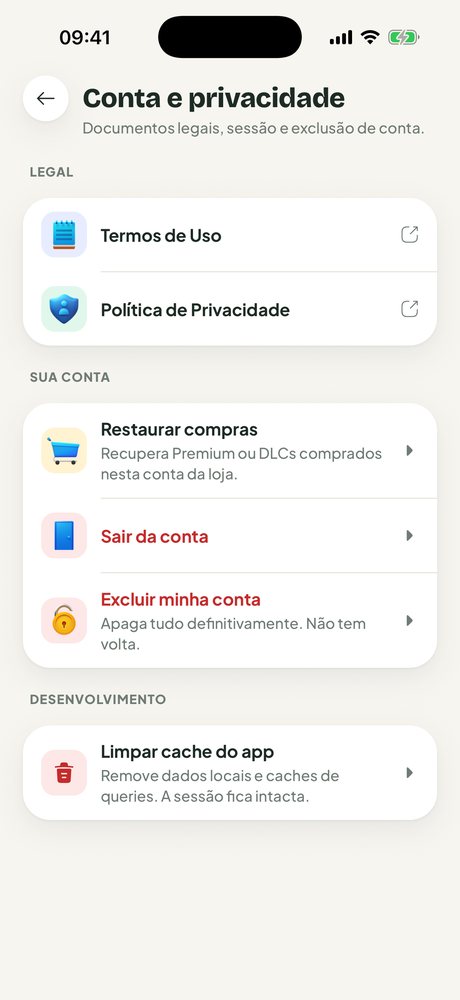
In Settings, Account tab, Your account group, tap "Restore purchases". The message that shows up tells you what's going on.
- 04
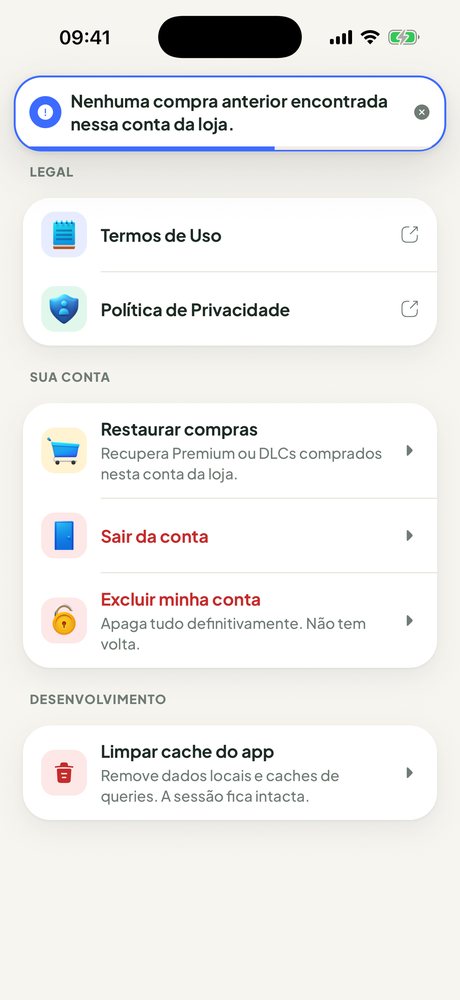
"No previous purchases found"
Restore only sees the Apple or Google account on the device. If you see "No previous purchases found on this store account", sign in to the store with the account that paid and try again.
- 05
"This purchase is on another VidaBR account"
The purchase stays on the first VidaBR account that used it. If you bought it while logged in to another email, log out and sign in with that one: the purchase shows up there. In older versions of the app you'd see "Your purchases were already active" with nothing unlocking: it's the same case.
- 06
"Your purchases were already active"
In the current version, it means everything is fine on this account. Check the expansion in Settings, "DLCs and expansions", and Premium at the top of Settings.
- 07
Still nothing? Talk to us
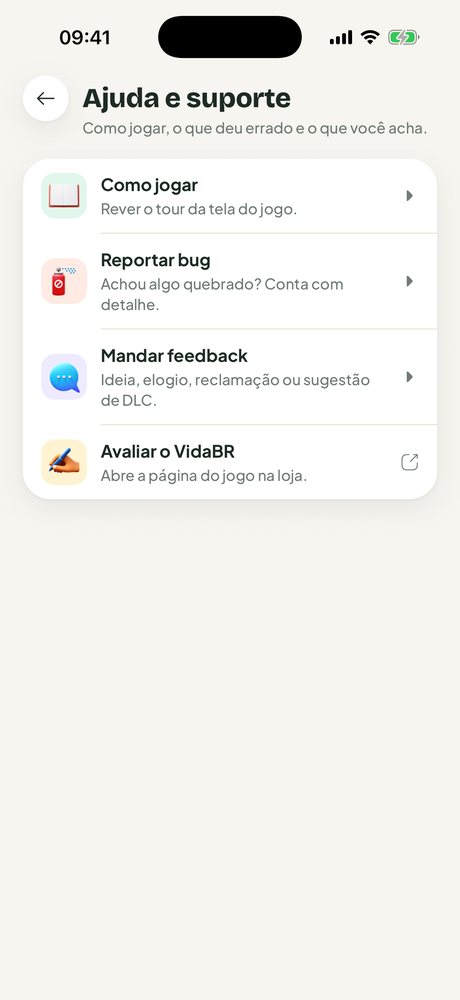
In Settings, Help tab, tap "Report a bug", or email contato@vidabr.app. Tell us your VidaBR account email, the store, the date and the order number.
On Google Play the order number starts with GPA. On Apple it's on the receipt that arrives by email.
Frequently asked questions
+I bought on iPhone and now I play on Android. Did I lose it?
No. The purchase lives on your VidaBR account, not on the device. Sign in with the same email and it shows up. "Restore purchases" on Android can't see Apple purchases, and it doesn't need to.
+How long does PIX take?
It depends on the bank. The order is kept for 7 days waiting for confirmation, and when it comes the purchase arrives on its own. Don't pay again.
+I forgot which email I bought with. Now what?
Look in your email for the Apple or Google receipt and check the date. Then try signing in to VidaBR with each email you use. If you can't find it, talk to us with the order number.
+I deleted my old account. Can I get the purchase back?
No. Deleting the account removes access to the expansions and Premium bought on it, with no refund.
+How do I ask for a refund?
Refunds are handled by the store that charged you: on Apple, through the report a problem site; on Google Play, through your order history.